






 Help Center


Eassiy iPhone Access iOS/iPadOS 26 SUPPORTED
-
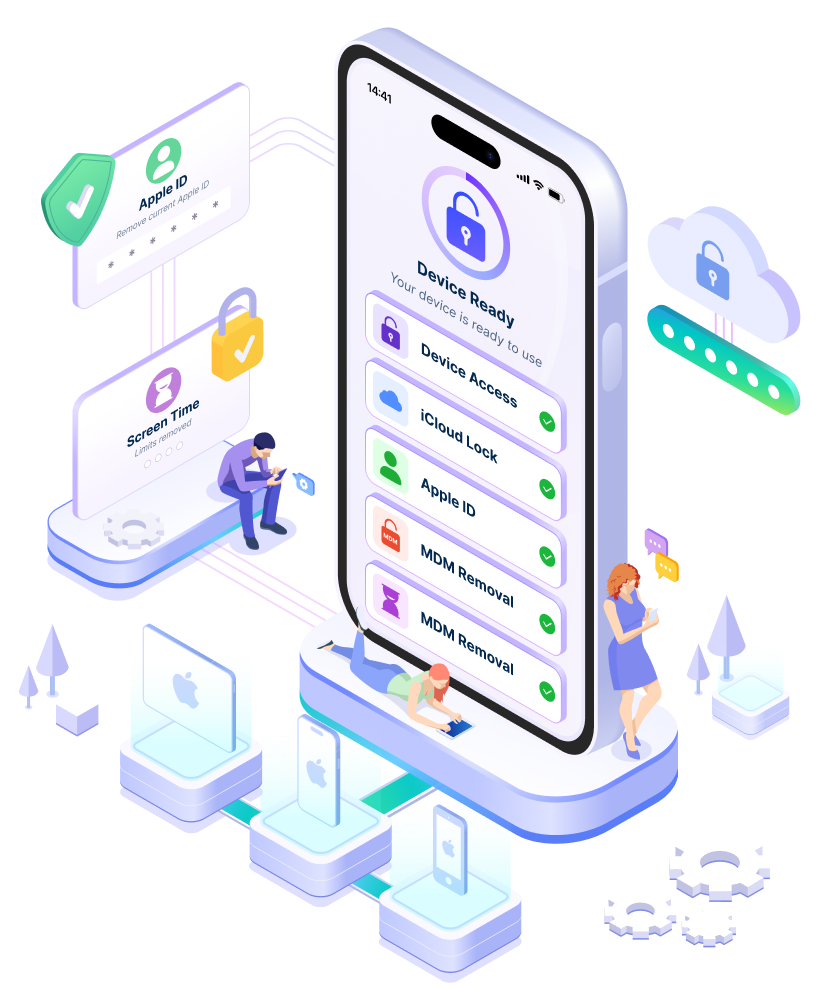
Regain Access to iOS Devices: Unlock your iPhone, iPad, or iPod touch without a passcode.
-
Unlock iCloud lock: Bypass iCloud Activation Lock without a password.
-
Remove Apple ID: Remove Apple ID and set up a new account.
-
Remove MDM: Remove Device Management restrictions for full device control.
-
Unlock Screen Time: Remove Screen Time passcode and limits.


The Professional Choice for iPhone Access
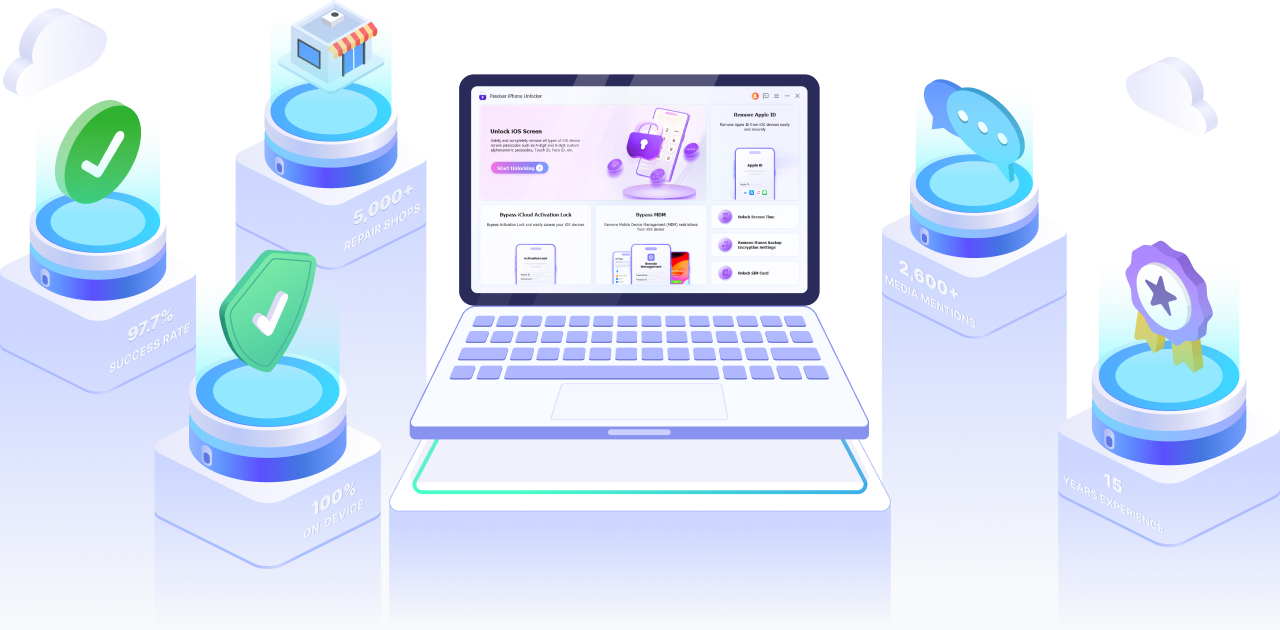
For 15 years, Eassiy has refined the science of mobile device access. By prioritizing 100% on-device processing and rigorous real-world testing, we provide a transparent, high-success solution trusted by thousands of repair professionals and tech experts globally.
Unlock iOS Screen and Regain Access
Unlock your locked or unavailable iPhone using a reliable, step-by-step process. Whether it's Face ID or a forgotten passcode, Eassiy works seamlessly with the newest iPhone 17 and iOS 26.
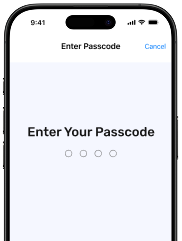
Forgot 4-digit Passcode
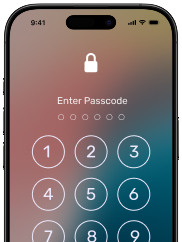
Forgot 6-digit Passcode
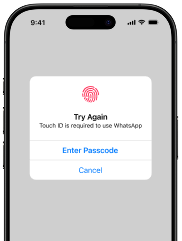
Touch ID not recognized
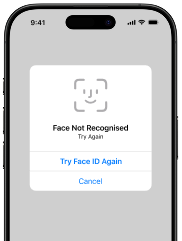
Face ID not recognized
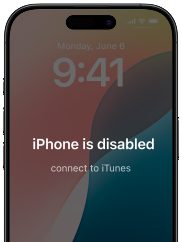
iPhone is Disabled
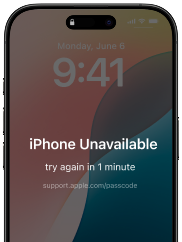
iPhone Unavailable
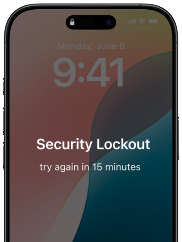
Security Lockout
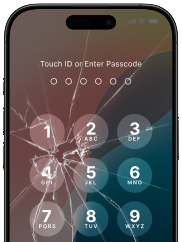
Broken Screen
Note: Removing the screen passcode will erase all data on the device. This is a hardware-level security restriction enforced by Apple that no software can bypass.
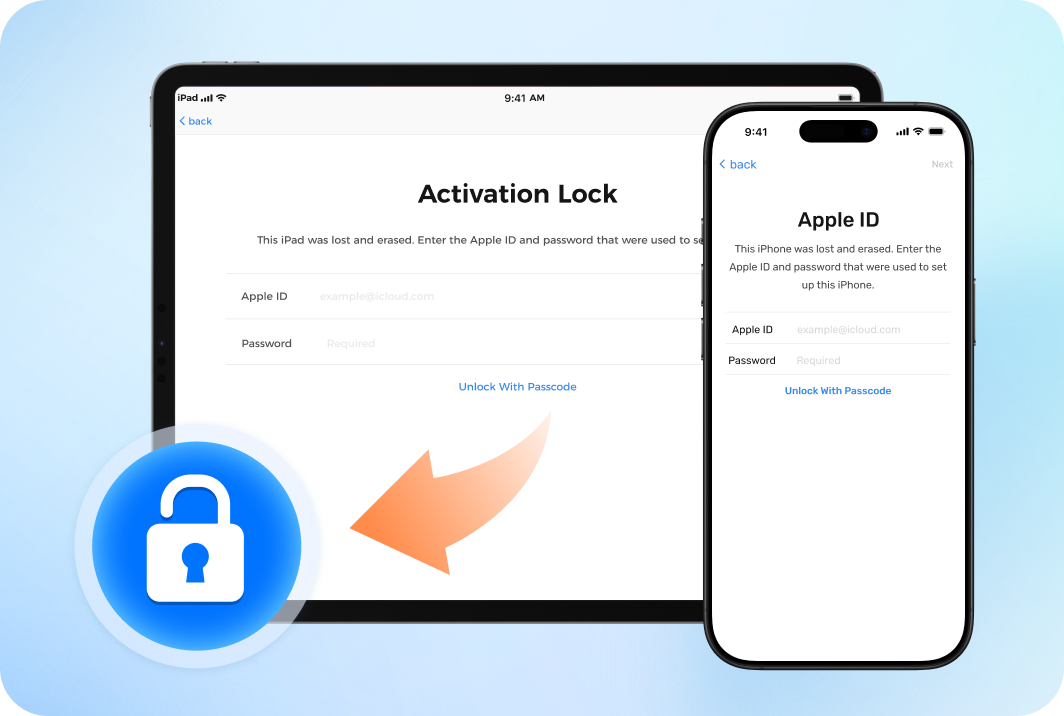
Bypass iCloud Activation Lock without Password
Stuck on the Activation Lock screen with a second-hand device after a factory reset or iOS restore? Eassiy provides a secure and streamlined way to bypass the lock without the original Apple ID or password, restoring your device's usability instantly.
Note: To ensure the highest success rate, our iCloud Activation Lock feature is currently tailored for iPhone 6s through iPhone X (iOS 12–16.7.10)
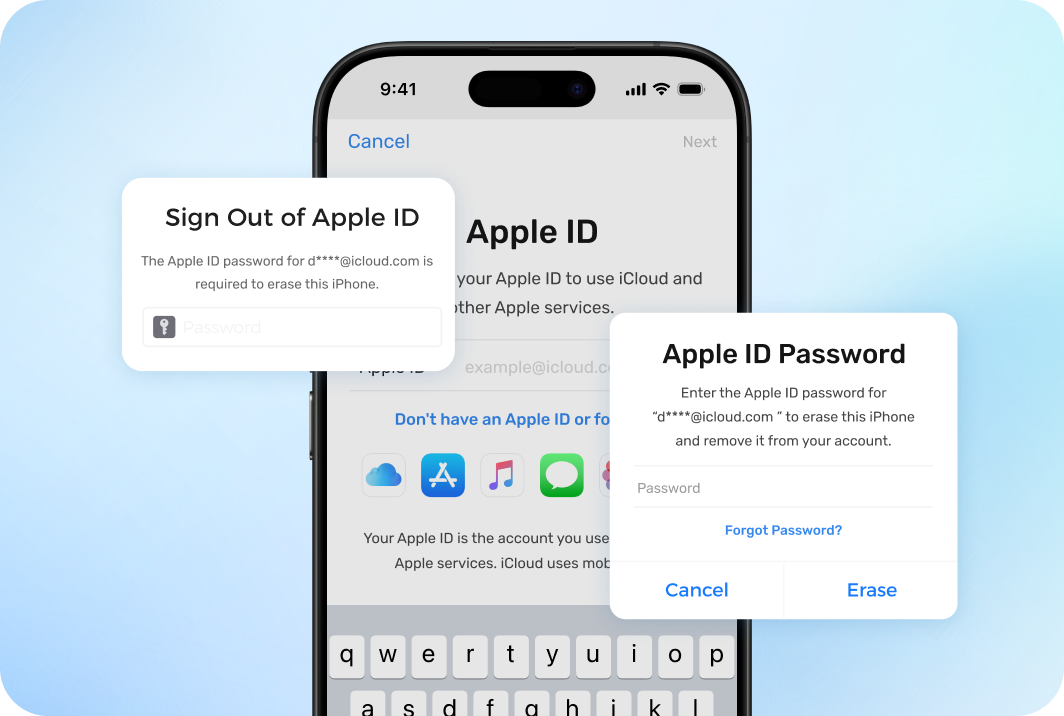
Remove Apple Account without Password
Forgot your own Apple ID password or dealing with a used iOS device with a signed-in Apple ID? Eassiy securely removes the existing Apple ID in supported scenarios—even if 'Find My' is enabled. Regain full control, sign in with a new account to access all iCloud features, and safely factory reset your device in the future without triggering the original Activation Lock.
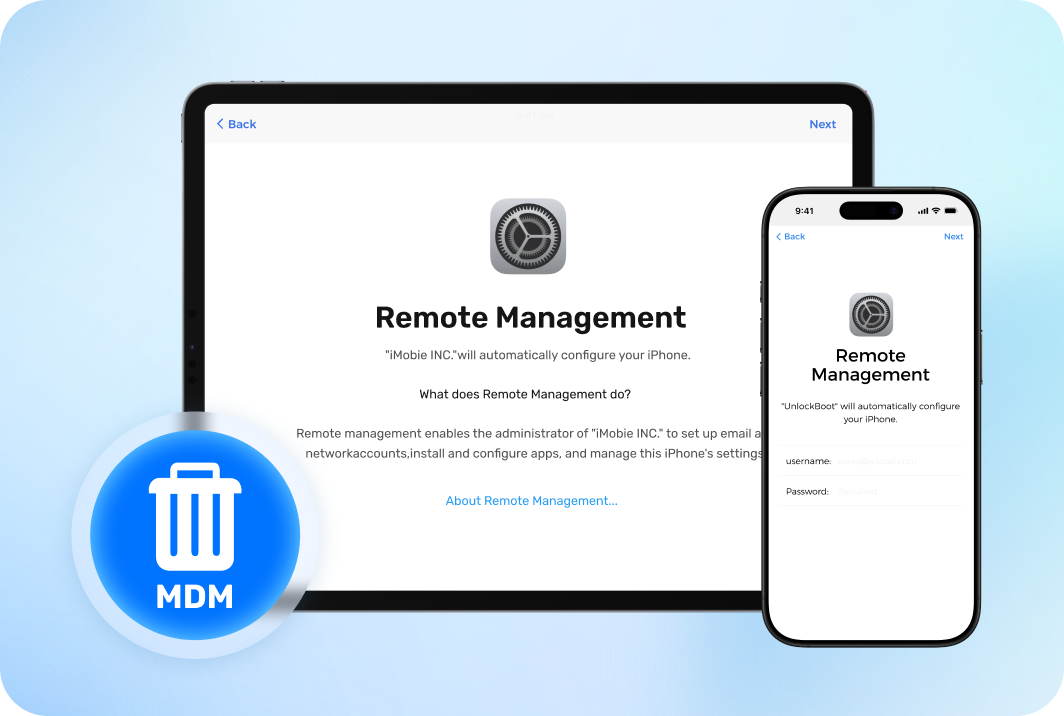
Bypass MDM and Remote Management
Easily remove restrictive MDM profiles and bypass the Remote Management screen on corporate or school iPhones and iPads without needing login credentials. Regain device control securely, ensuring your data remains 100% intact throughout the process.
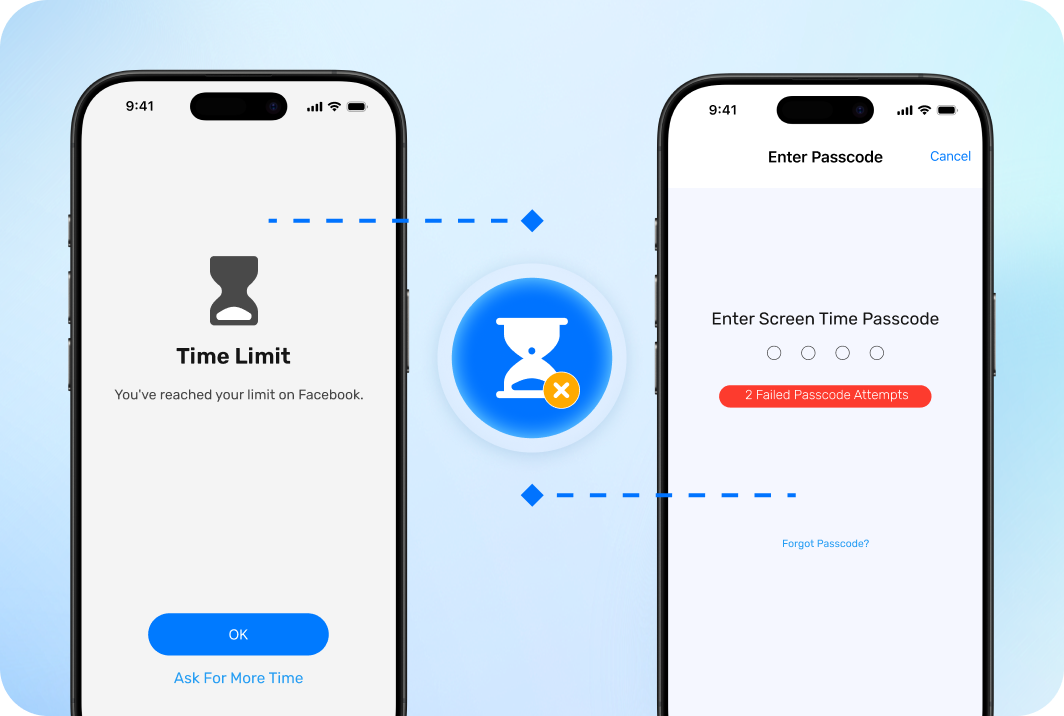
Remove Screen Time Passcode
Unable to remove restrictions, extend time limits, or reset your iPhone due to a forgotten Screen Time passcode? Eassiy provides a non-invasive way to securely remove the passcode and disable the feature—guaranteeing zero data loss throughout the process.
Explore More iOS Access Features
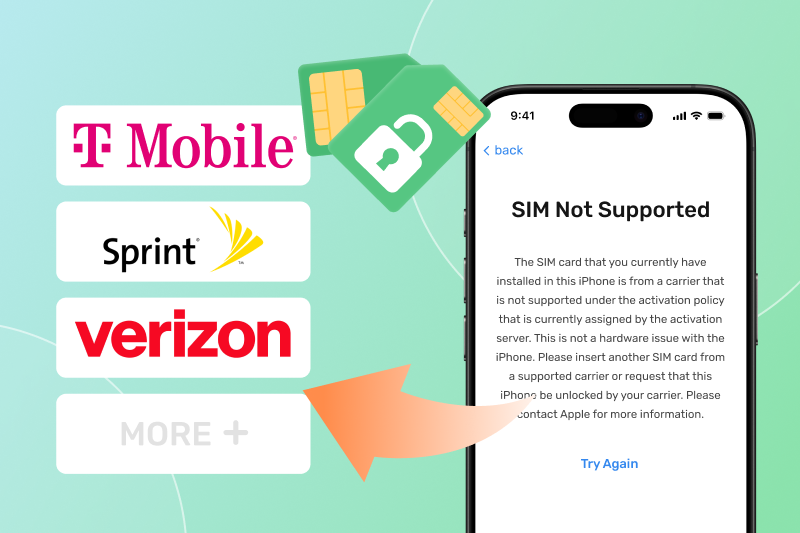
Unlock SIM Lock
Resolve "SIM Not Supported" or "SIM Not Valid" issues. Eassiy allows you to switch between carriers like AT&T, T-Mobile, and Verizon freely, without contacting your carrier or waiting for days.
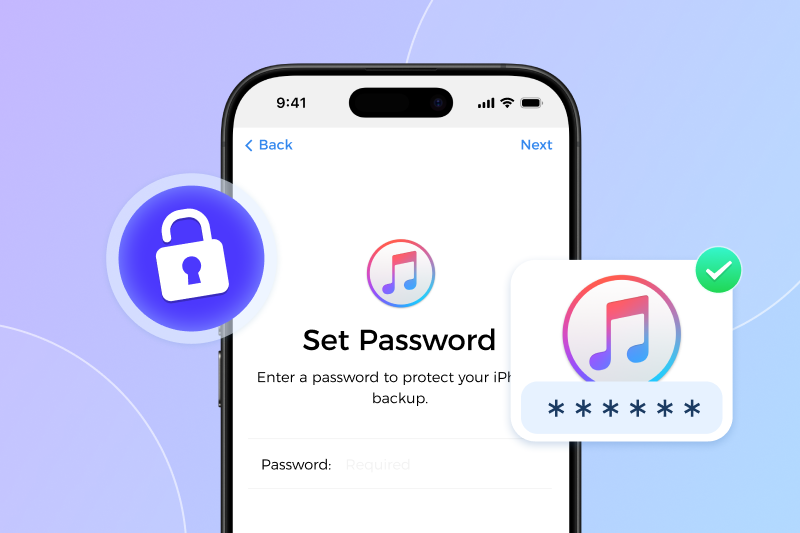
Remove Encrypted Backup Password
Forgotten the password for your encrypted iTunes backup? Eassiy helps you reset encryption settings, allowing you to disable backup encryption or create a new password effortlessly.
The Eassiy Standard:
Lab-Tested, User-Proven
We don't rely on simulations. Every Eassiy solution undergoes rigorous physical testing on a fleet of over 500 mobile devices—including the latest iPhone 17 running iOS 26. Our lab-first approach ensures that when we promise a fix, it actually works.
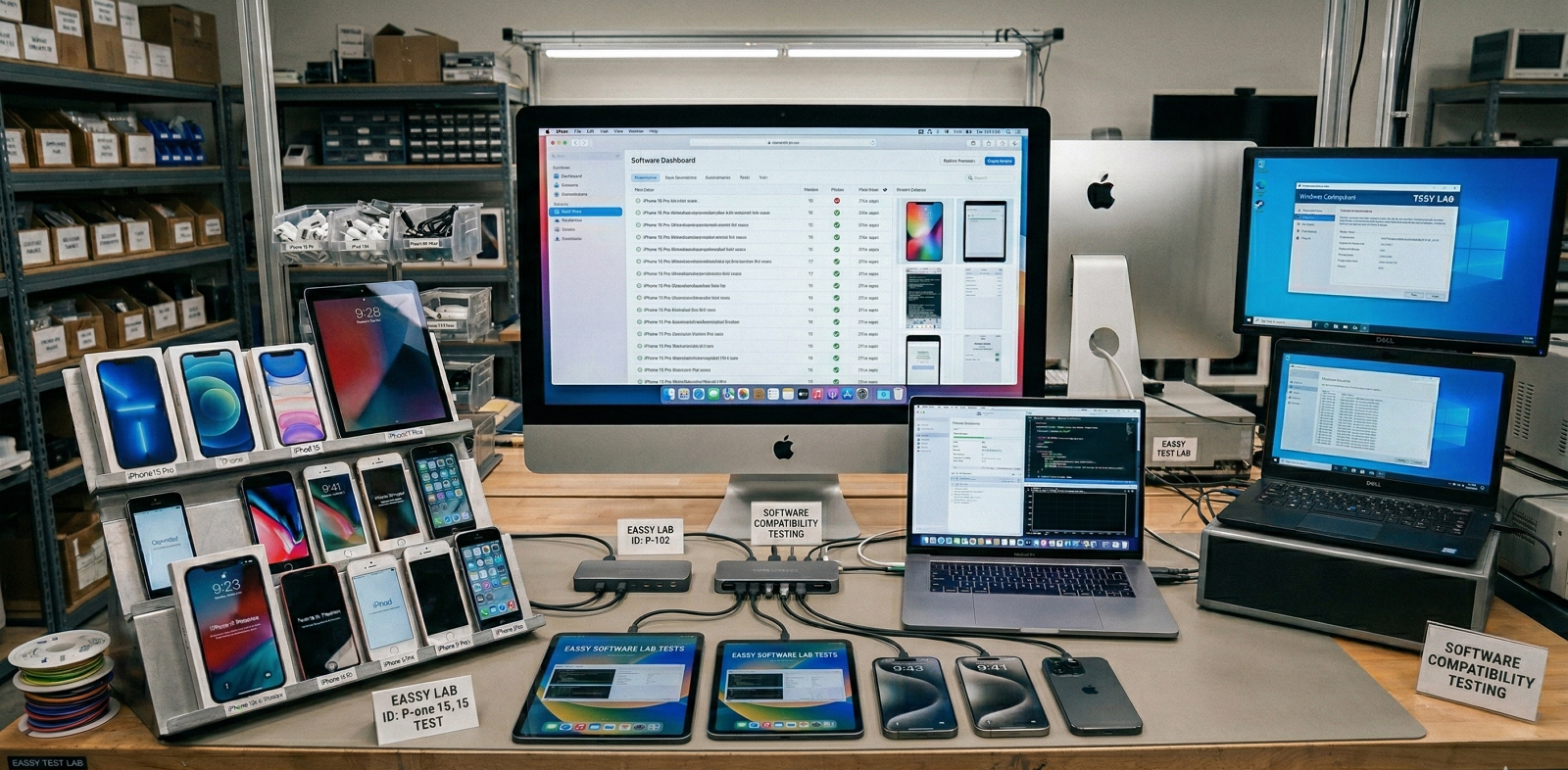
Verified in the Lab. Trusted in the Real World
Join thousands of mobile users and tech experts who rely on Eassiy for safe, effective device solutions.
UPTODOWN
"Allows you to unlock your iPhone or iPad screen without a passcode, supporting all types of passcodes—including 4-digit PINs, 6-digit PINs, Touch ID, Face ID, and custom codes."
UPDATESTAR
"Eassiy iPhone Access offers a straightforward and efficient way to unlock iPhones and iPads, making it an essential tool for users facing passcode-related issues."
FILEHORSE
"A powerful iOS device management tool that allows PC and Mac users of all technical knowledge levels to bypass various types of screen protection systems on iPhone devices."
"My iPad was disabled after too many wrong attempts, and I thought I had lost everything. This solution made the process straightforward and I was able to access my device again much faster than I expected."
"I got locked out of my iPhone after changing the passcode and completely forgetting it. I didn't expect much, but the tool helped me regain access step by step without any confusion. Really relieved."
"I bought a used iPhone and it was still linked to the previous owner's account. I was stuck at the setup screen, but this tool helped me get past it and finally set up the device as my own."
Tech Specs
Supported Devices
IPHONE
iPhone 17/17e/Air/16/15/14/13/12/11/X/XS/XR/8/7/6s/6/4
IPAD
All iPads, iPad Mini, iPad Air, iPad Pro
IPOD
iPod Touch 7/6/5/4/3/2
IOS
All iOS versions including iOS/iPadOS 26/18/17
Required System
WINDOWS
Windows 11/10/8/8.1/7
MACOS
macOS 26/15/14/13/12/11/10.10
FAQs
Will unlocking my iPhone erase my personal data?
It depends on the lock type. If you are removing a Screen Passcode (4/6-digit, Face ID, or Touch ID), all data on the device will be erased. This is a hardware-level security restriction set by Apple that no software can bypass without data loss. However, for Screen Time Passcode, MDM Removal, and iTunes Backup Password, Eassiy can regain access without losing any of your data. We always recommend checking our specific feature guide before proceeding.
How long does the entire unlocking process take?
Most operations, such as Screen Time Passcode removal or MDM bypass, are completed within 3 to 10 minutes. The exact time depends on your computer's performance and the specific iOS version. We provide a real-time progress bar and step-by-step visual guidance, so you are never left guessing how much time is remaining.
Is it really compatible with the latest iPhone 17 and iOS 26?
Yes, for our core unlocking and management features. At Eassiy Test Lab, we have fully optimized and verified the following features for the iPhone 17 series and iOS 26:
- Screen Passcode Unlocking
- Apple ID Removal (on activated devices)
- MDM & Remote Management Bypass
- Screen Time Passcode Reset
- iTunes Backup Password Removal
However, because some specialized features rely on specific hardware vulnerabilities, different compatibility rules apply:
- iCloud Activation Lock Bypass: Currently supports iPhone 6S through iPhone X (running iOS 12 up to iOS 16.7.10).
- SIM Lock Removal: Currently supports iPhone 5s through iPhone X (running iOS 12.0 up to iOS 14.8.1).
What if I can't unlock my device? Is there a guarantee?
We maintain a verified 97.7% success rate, but technical variables (like hardware damage or server-side locks) do exist. If our software fails to solve your specific issue within the supported scope, we provide a 30-day money-back guarantee. Our technical support team is available 24/7 to assist you through any complex scenarios before you request a refund.
Is my privacy safe during the unlocking process?
Absolutely. All processing happens locally on your computer. We never upload your data to any cloud servers or third-party services. Your personal information, photos, messages, and other data remain completely private and secure throughout the entire process.
Ready to Get Back Into Your iPhone?
Join thousands of users who trust Eassiy for safe and efficient device unlocking.

Disclaimer: The use of Eassiy iPhone Access for any commercial, malicious, or illegal purposes is strictly prohibited. This software is designed exclusively to help individuals regain access to their legally acquired devices.